The store will not work correctly when cookies are disabled.
Usiamo i cookie per far funzionare anagramshop e migliorare ciò che pubblichiamo.Scegli i cookie del sito per analytics e contenuti incorporati, oppure continua solo con i cookie essenziali. Puoi cambiare scelta in qualsiasi momento da Impostazioni cookie. Scopri di più
Work Anywhere: four gadgets for better creative work
THE ANAGRAM EDIT / WORK & CREATE
A better setup, wherever you work.
A gadget deserves desk space only if it removes friction. These four standouts address different problems: reconnecting a laptop, creating a portable display, and looking naturally into the camera. The right choice depends less on hype than on your devices and daily habits.
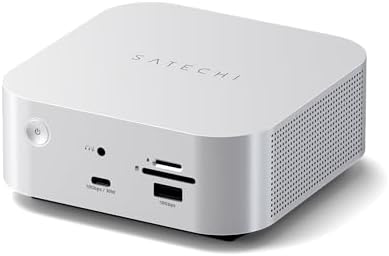
A focused desk hub for creators juggling an external display, fast storage and a laptop that needs to reconnect quickly. An integrated NVMe enclosure makes this more than a basic USB adapter.
Best for: a permanent or hybrid creator desk.
Before buying: Check host Thunderbolt compatibility, display requirements, charging power and what storage is actually included.
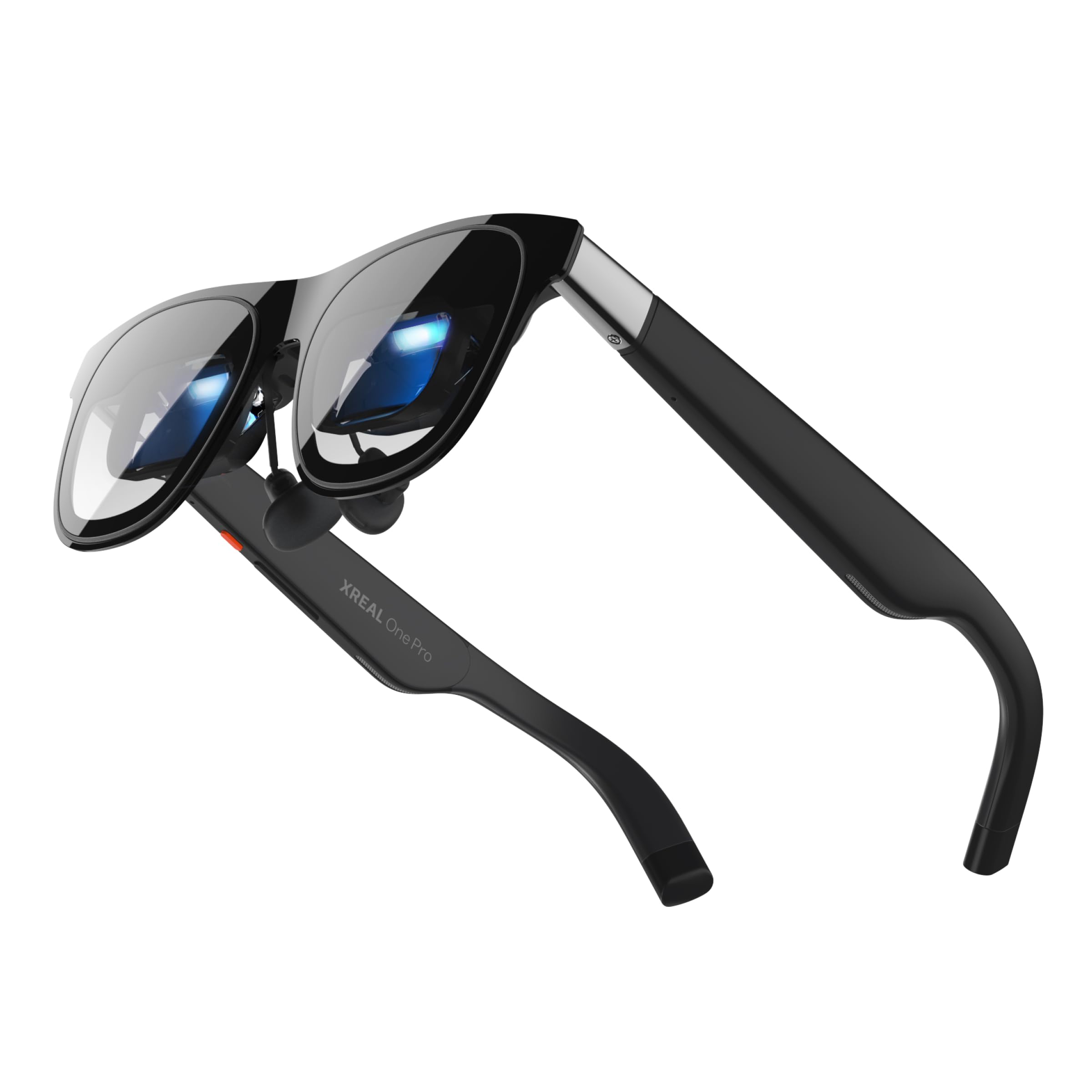
A wearable private display is an appealing alternative when opening a laptop-sized second screen is awkward. Useful for travel or handheld gaming, but it is not automatically a replacement for a desk monitor.
Best for: mobile screen space when physical space is limited.
Before buying: Check your source device, video output, fit, eyesight options and whether sustained wear feels comfortable.
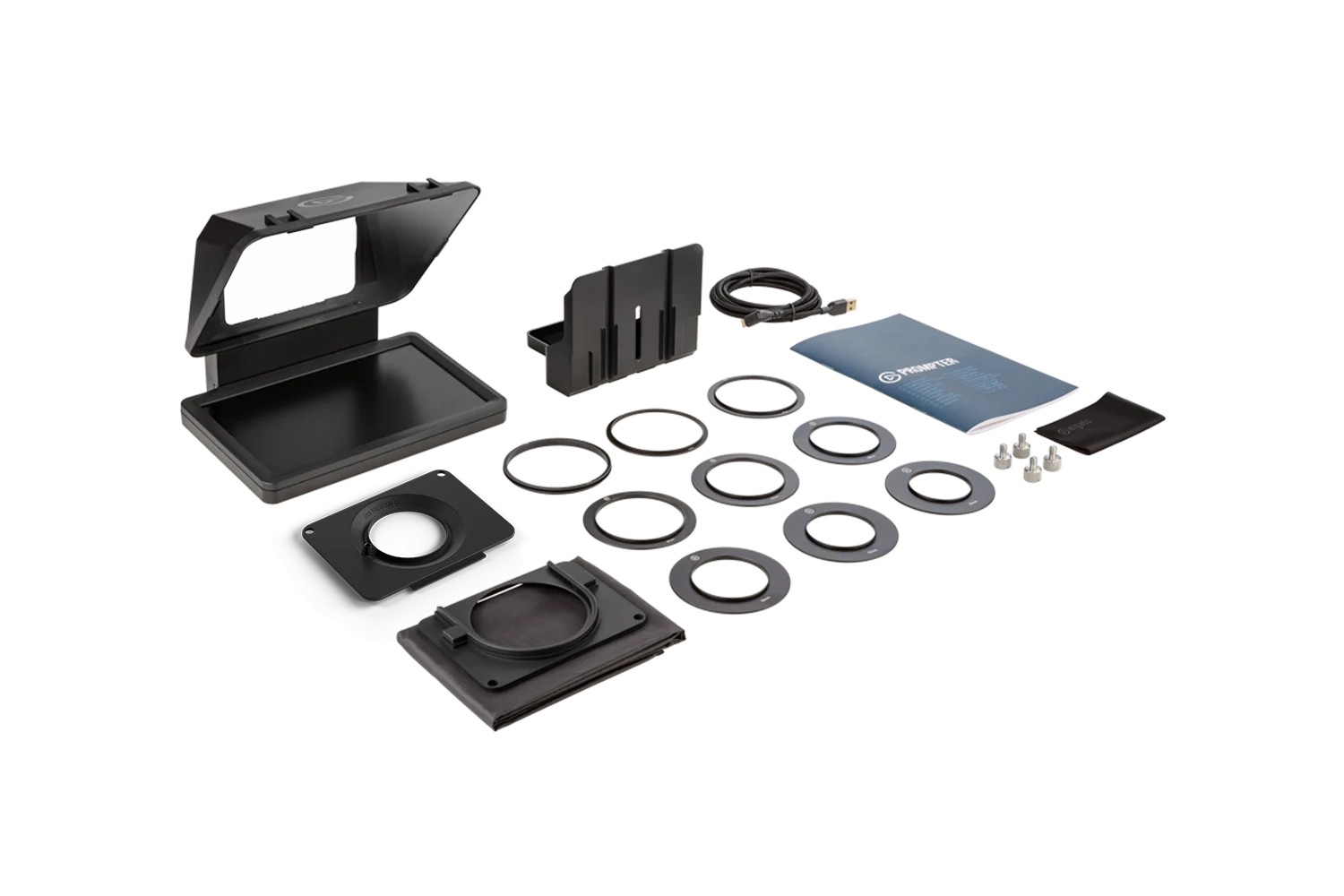
A camera-facing display for scripts, talking points and video participants. Instead of looking down at notes, a presenter can keep their gaze near the lens during recordings or calls.
Best for: frequent on-camera presentations, tutorials or interviews.
Before buying: Check camera/lens mounting, computer connection, software and the space available around your lens.
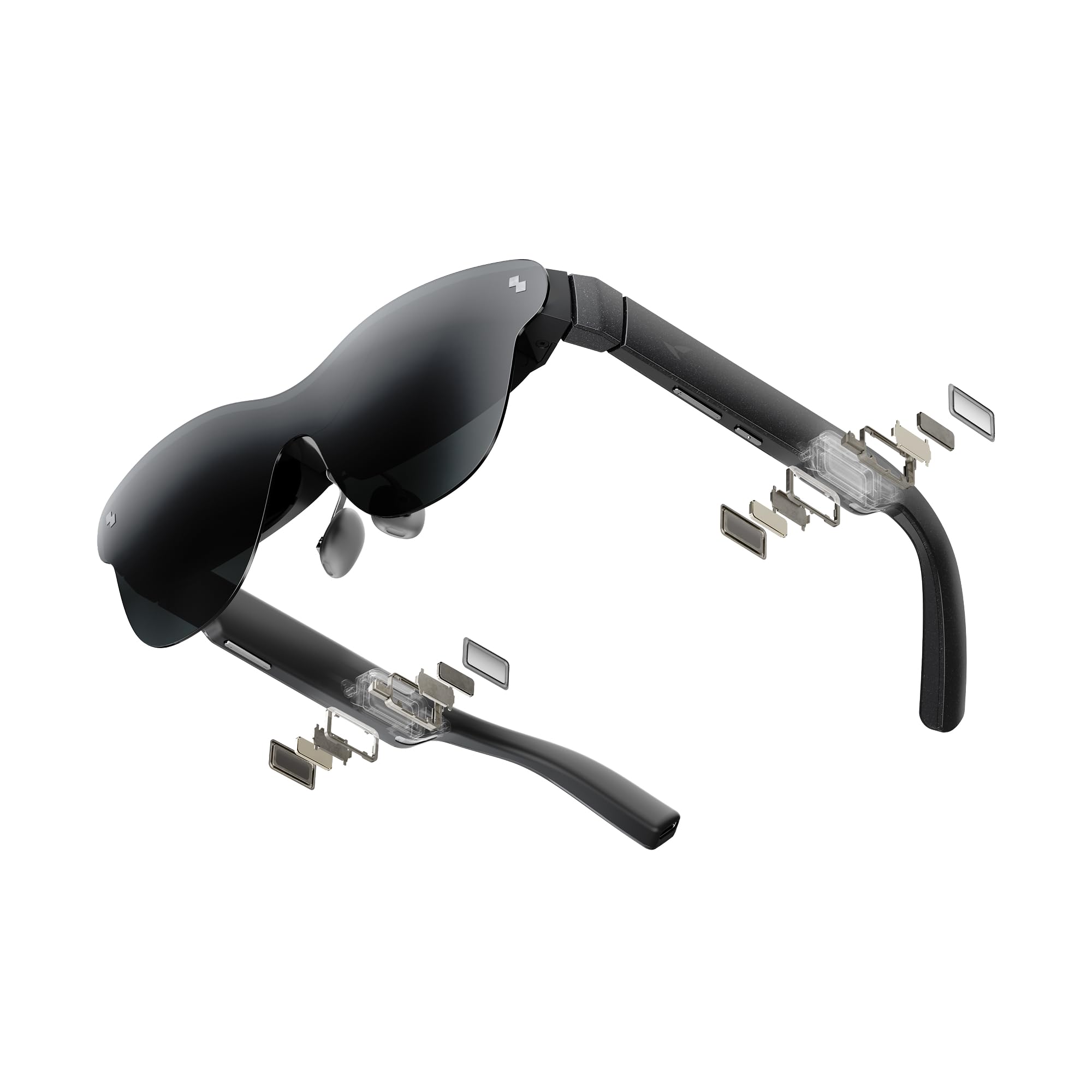
Display-first glasses for films, portable gaming and a screen-like experience away from home. The attraction is having a large perceived image without carrying a conventional monitor.
Best for: entertainment and occasional mobile display use.
Before buying: Confirm your phone, handheld or laptop supports the required video output; also check comfort and accessories.
If you primarily work at one desk, start with docking needs: available ports, host bandwidth, monitor support, cable layout and power delivery.
If you frequently move between locations, compare display glasses with a conventional portable monitor. Compatibility and comfort matter more than the size of a virtual screen.
If you spend your day presenting, teaching or recording, a camera-mounted prompter may make more difference than another monitor. Check the mount and software requirements.
How we curate: These are editorial picks, not a ranking based on paid placement. Product links lead to our existing product profiles; seller prices and availability may change. Some external merchant links on Anagramshop are affiliate links, and qualifying purchases may earn us a commission. Check compatibility, seller details, returns and current terms before buying. Our editorial policy.